
Notice
Recent Posts
Recent Comments
Link
250x250
| 일 | 월 | 화 | 수 | 목 | 금 | 토 |
|---|---|---|---|---|---|---|
| 1 | 2 | 3 | 4 | 5 | 6 | 7 |
| 8 | 9 | 10 | 11 | 12 | 13 | 14 |
| 15 | 16 | 17 | 18 | 19 | 20 | 21 |
| 22 | 23 | 24 | 25 | 26 | 27 | 28 |
Tags
- pdf merge
- google cloud
- Text To Speech
- pyautogui
- computervision
- YOLOv7
- 사무자동화
- pythonnet
- yolo
- YOLOv5
- objectdetection
- ironpython
- 사무자동화 #Selenium
- 파이썬 #업무자동화 #python
- DeepLearning
- Text-to-Speech
- pypdf2
- 업무자동화
- processstart
- Google API
Archives
- Today
- Total
Doarchive
Getting started with Apple Create ML 애플 CreateML 사용하기 본문
Computer Vision/Deep learning
Getting started with Apple Create ML 애플 CreateML 사용하기
오순발닦개 2020. 1. 22. 11:15728x90
1, Open development Tool - choose CreateML


2. Selecte New Document
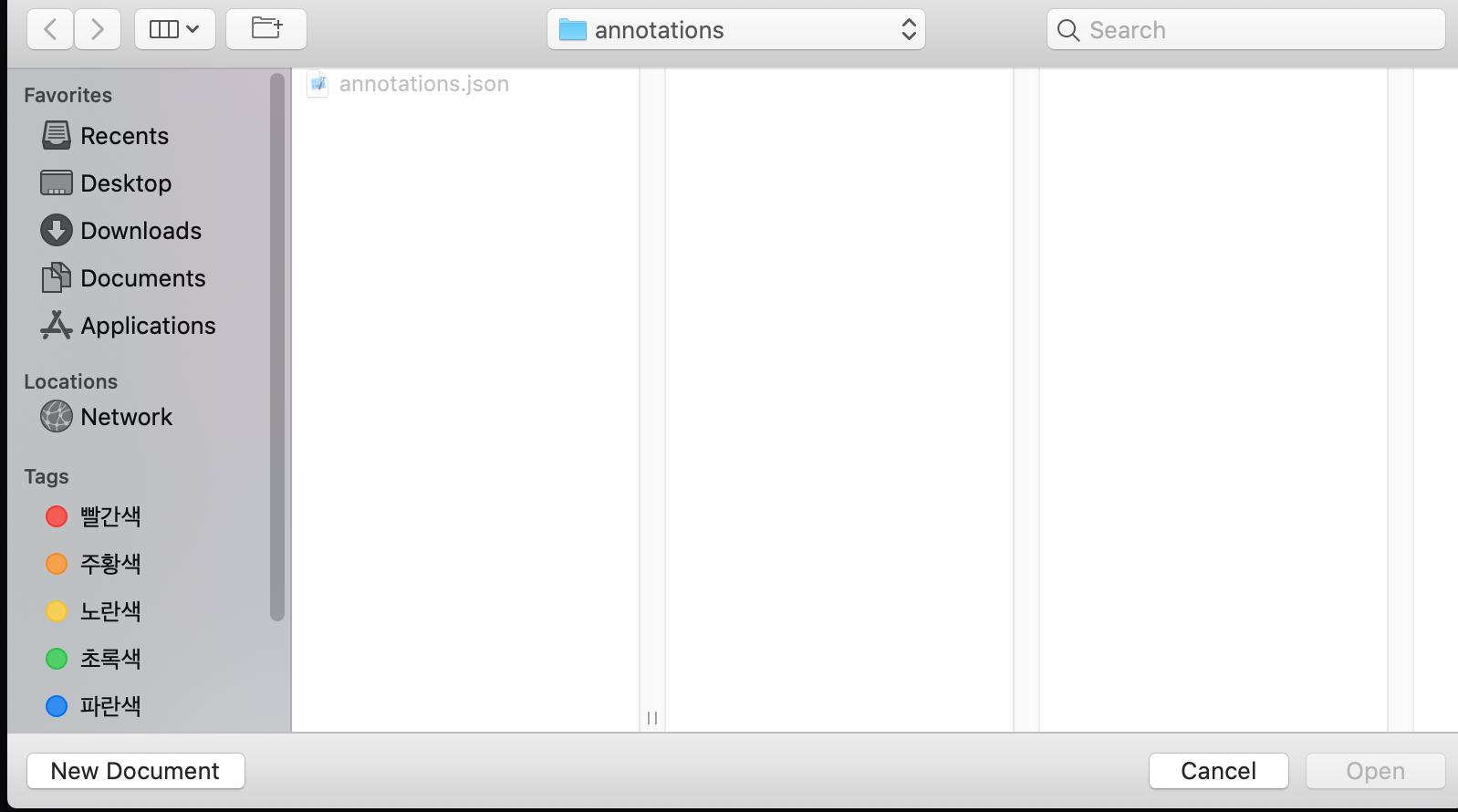
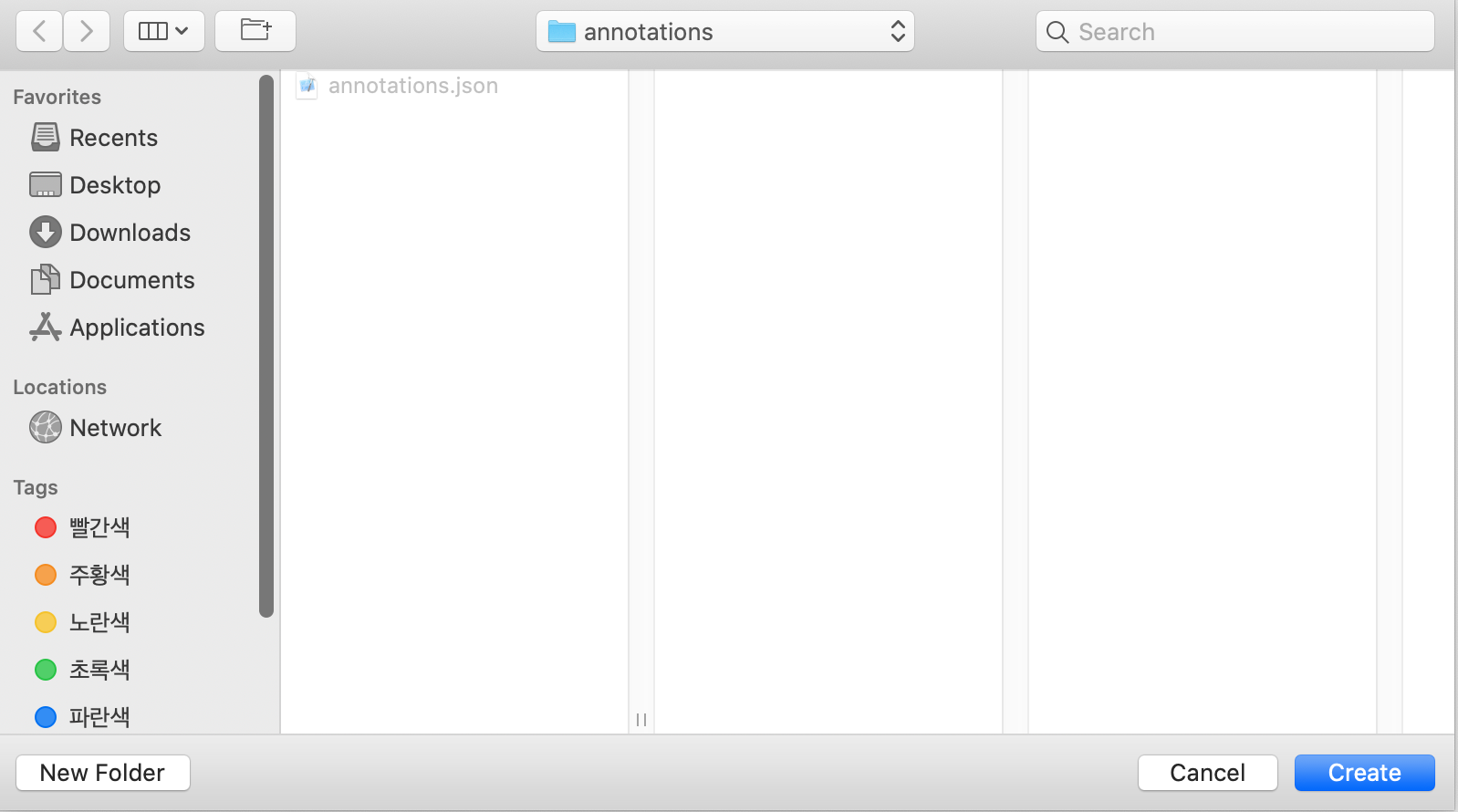
3. Selecte your folder
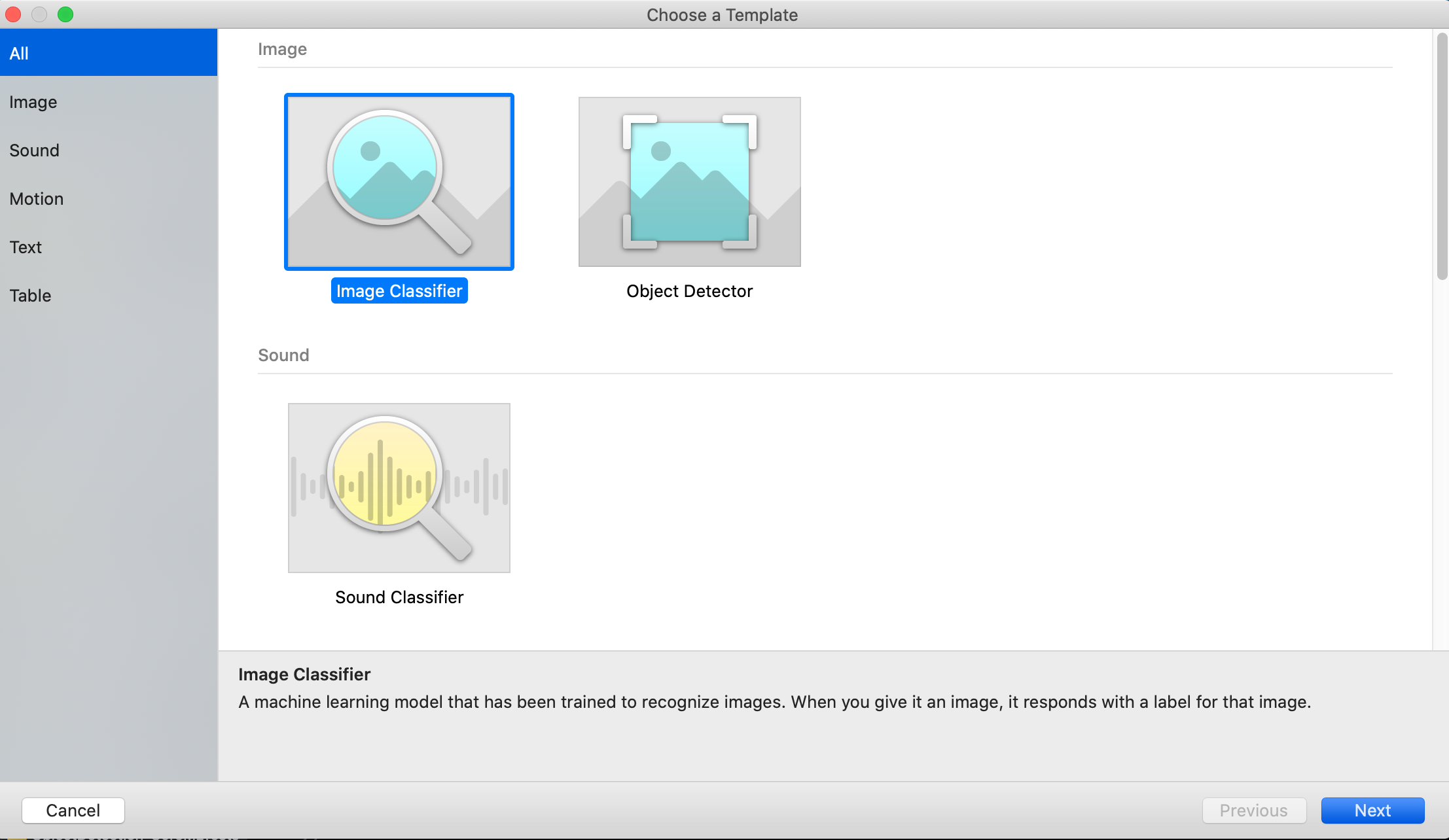
4. You can use various type of CoreML model
5. Let's start


728x90
'Computer Vision > Deep learning' 카테고리의 다른 글
| [라이브러리] 데이터 시각화: Matplotlib /Seaborn (0) | 2021.01.12 |
|---|---|
| [라이브러리] 데이터 조작: NumPy / Pandas (0) | 2021.01.12 |
| 개발환경설정 버전 확인 (0) | 2021.01.12 |
| 개발환경 설정 - python 기반 - jupyter notebook/keras/tensorflow (0) | 2021.01.12 |
| Creating an Image Classifier Model in Swift playground (0) | 2020.01.22 |
'Computer Vision/Deep learning' Related Articles
more


